Coding agents, on your machines, under review.
Agentiz is a self-hosted server that takes tasks from your tracker, runs them through pipelines of AI coding agents on workers you own, and puts every change in front of a person before it lands.
git clone --recurse-submodules https://github.com/agentiz-oss/agentiz
cd agentiz && npm install && npm run dev
# → http://localhost:17280/dashboard
How it works
task→pipeline→worker→agent stages→review→commit / PR
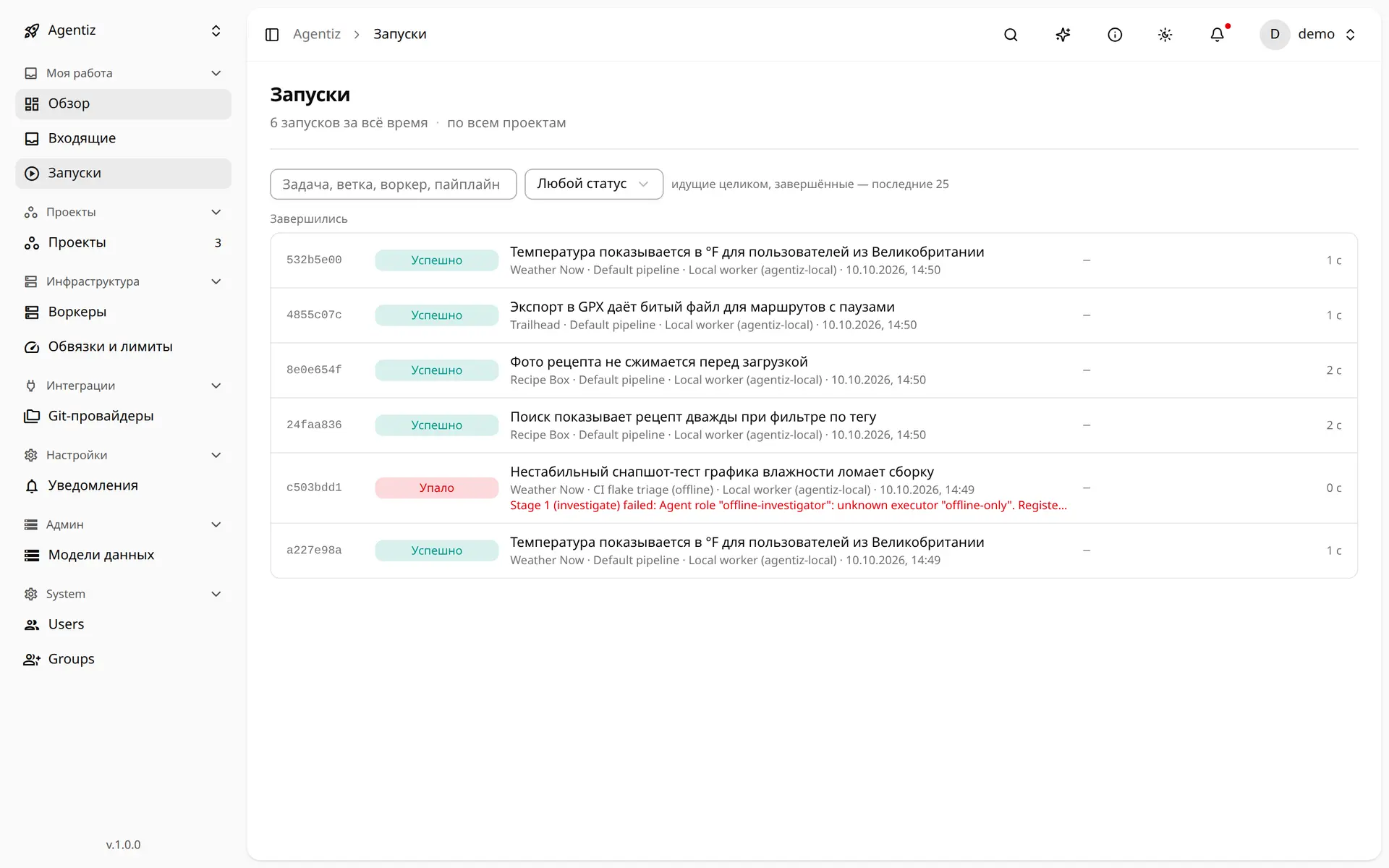
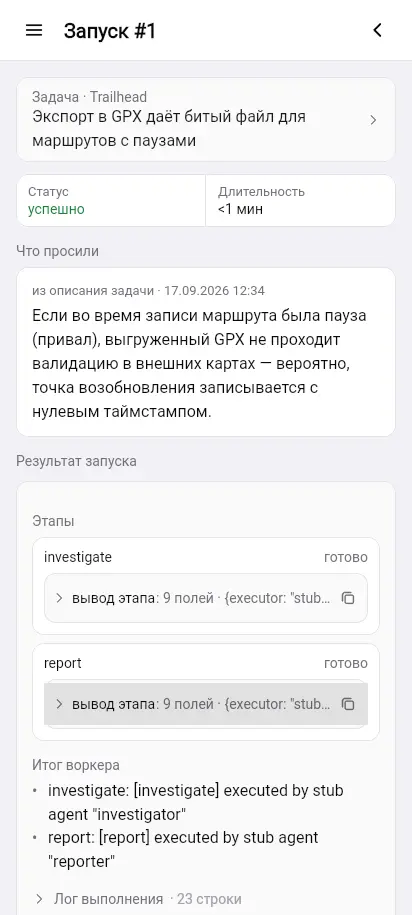
A task arrives from GitHub, GitLab, the panel or the phone. Agentiz picks the pipeline that matches it, freezes everything the run needs into a job and queues it. A worker — a small Python process on a machine you control — claims the job, prepares the code and runs each stage with the agent its role names (Claude Code, Codex or anything else that speaks the Agent Client Protocol). The result comes back as a diff, a branch or a pull request, and a human decides what happens to it.
What’s inside
Pipelines
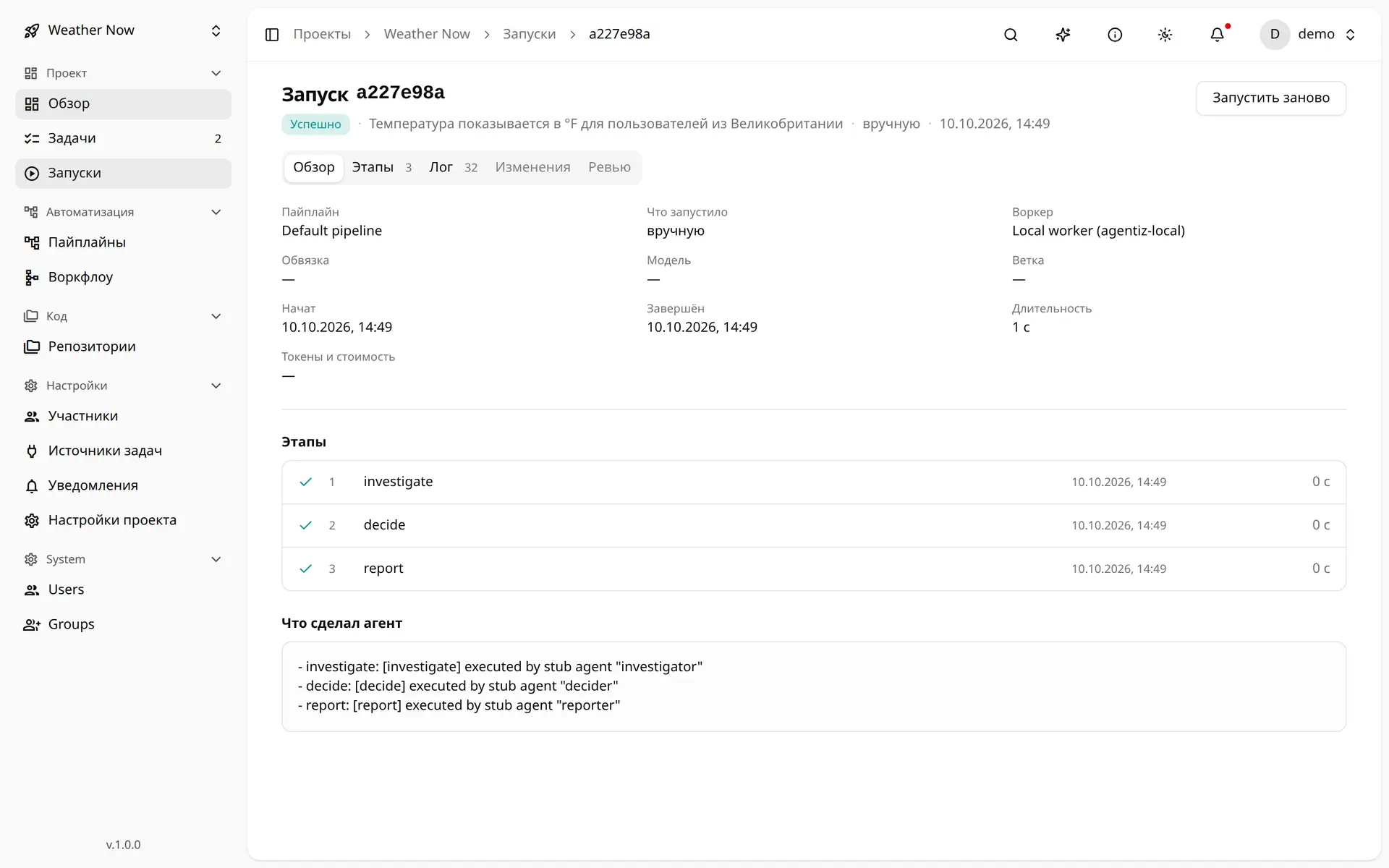
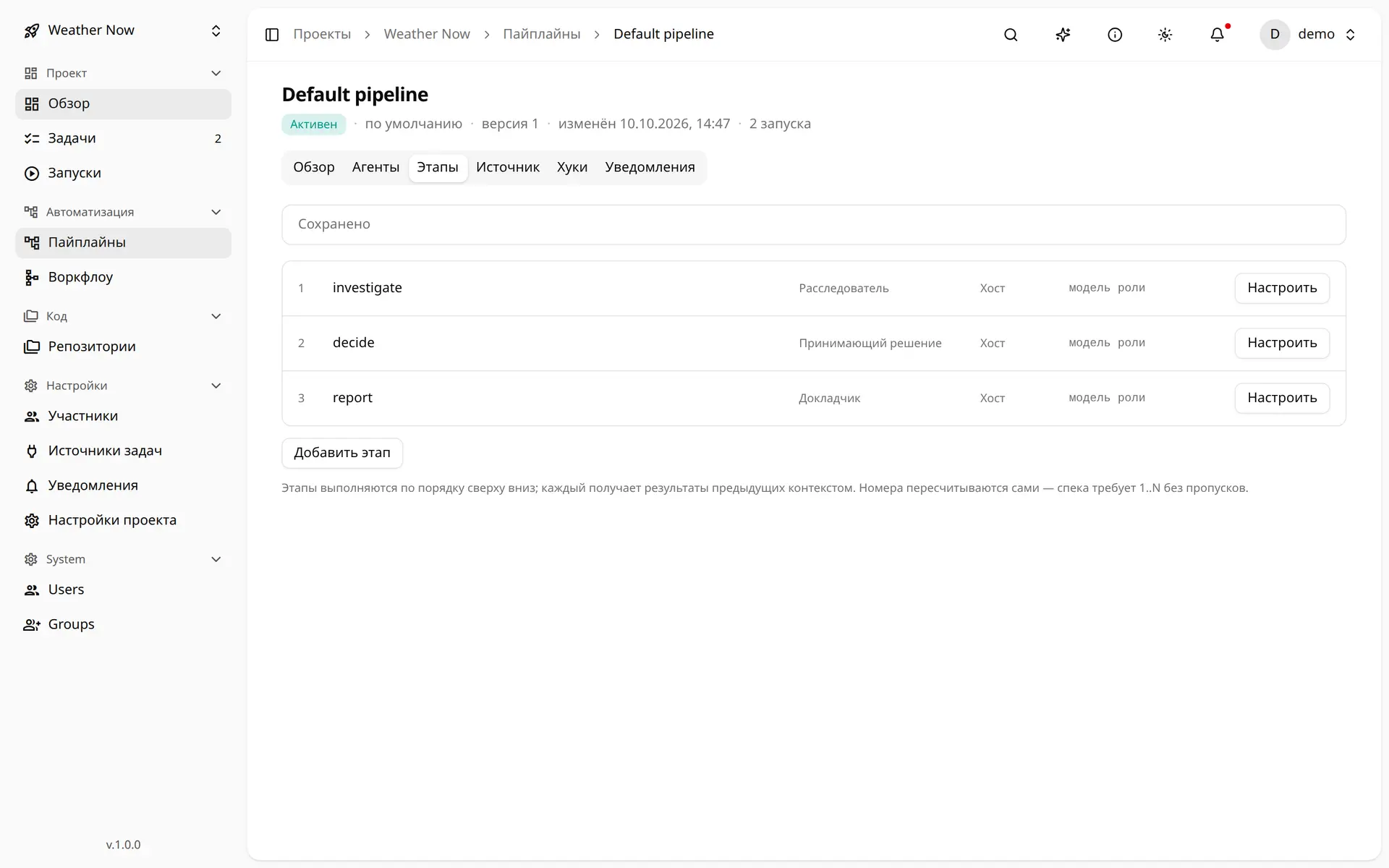
A pipeline is a list of stages, each played by an agent role with its own prompt and model: investigate, decide, fix, review. Scripts run before and after, and a stage can return a machine-readable pass/fail verdict.
Your own workers
Agents run where your code and credentials already are. A worker clones a repository for each run or works in a prepared directory, on the host or inside Docker. The server never holds the agent’s subscription.
Review before push
Nothing reaches a remote on its own unless you allow it. Diffs wait for approval, push rights are granted per worker and per directory, and anything already in a directory is stashed, never mixed into the agent’s work.
Workflows
A visual graph decides when to run: on a new task, a comment, a push or a failed CI build. Approval nodes wait for a person for as long as it takes and survive restarts and deploys.
Inbox & mobile app
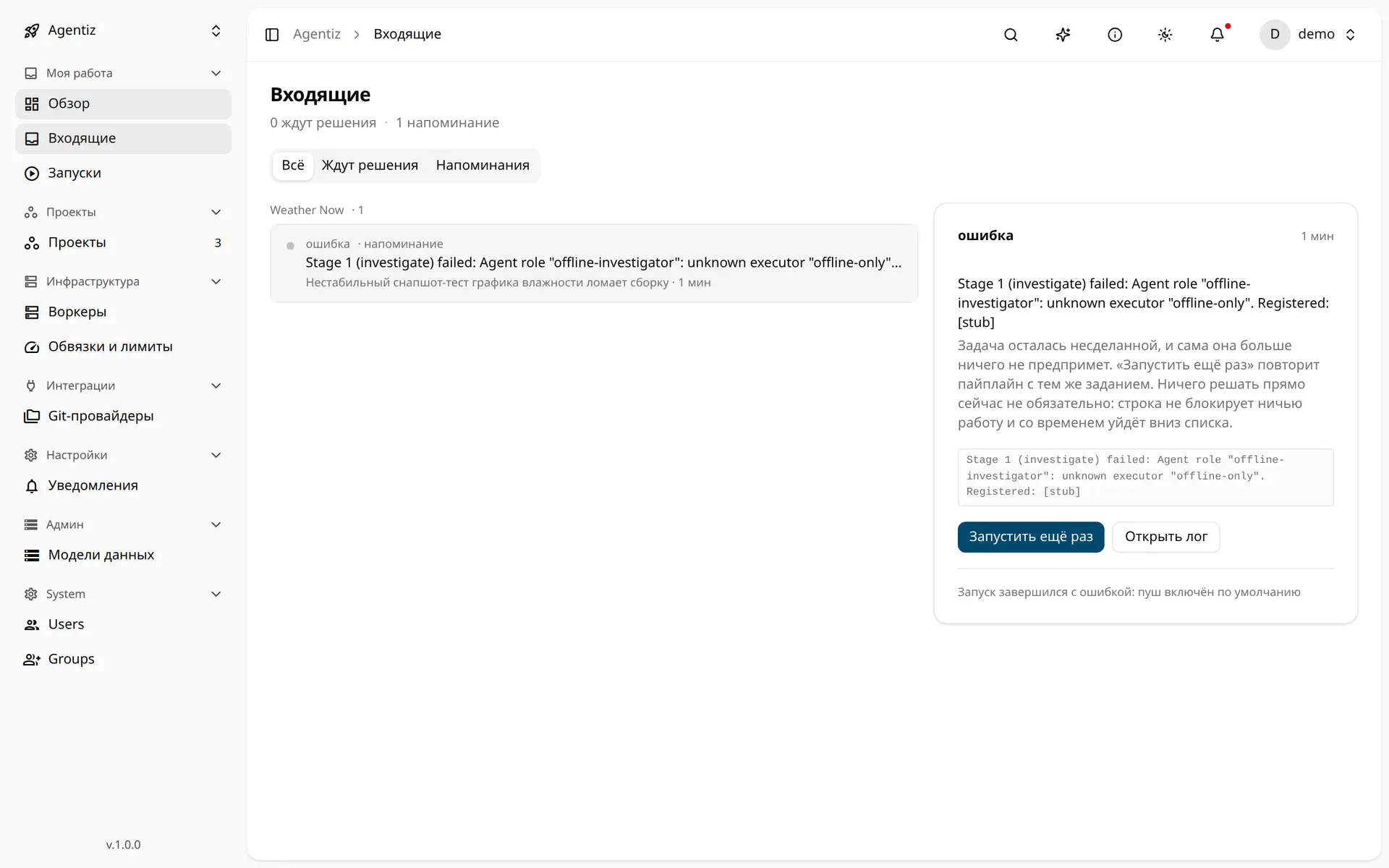
Everything waiting on a person — an agent’s question, a diff to review, a failed run — lands in one inbox, in the panel and in the Android/iOS client, with push notifications you can tune per project.
Limit-aware queue
Usage limits belong to accounts, so the queue knows them. A run that hits a limit is deferred until the window resets instead of failing, and a logged-out worker says so out loud.
Projects & roles
Members, role ladders and per-project access. One deployment can host many projects and teams that never see each other’s tasks.
Tool API
Every read and every action is also a tool on the /mcp endpoint, so scripts, CI and other agents can drive Agentiz as easily as a person in the panel.
Self-hosted
One Node.js server, SQLite out of the box or PostgreSQL in production. Your tasks, code and logs stay on your infrastructure.
Screenshots
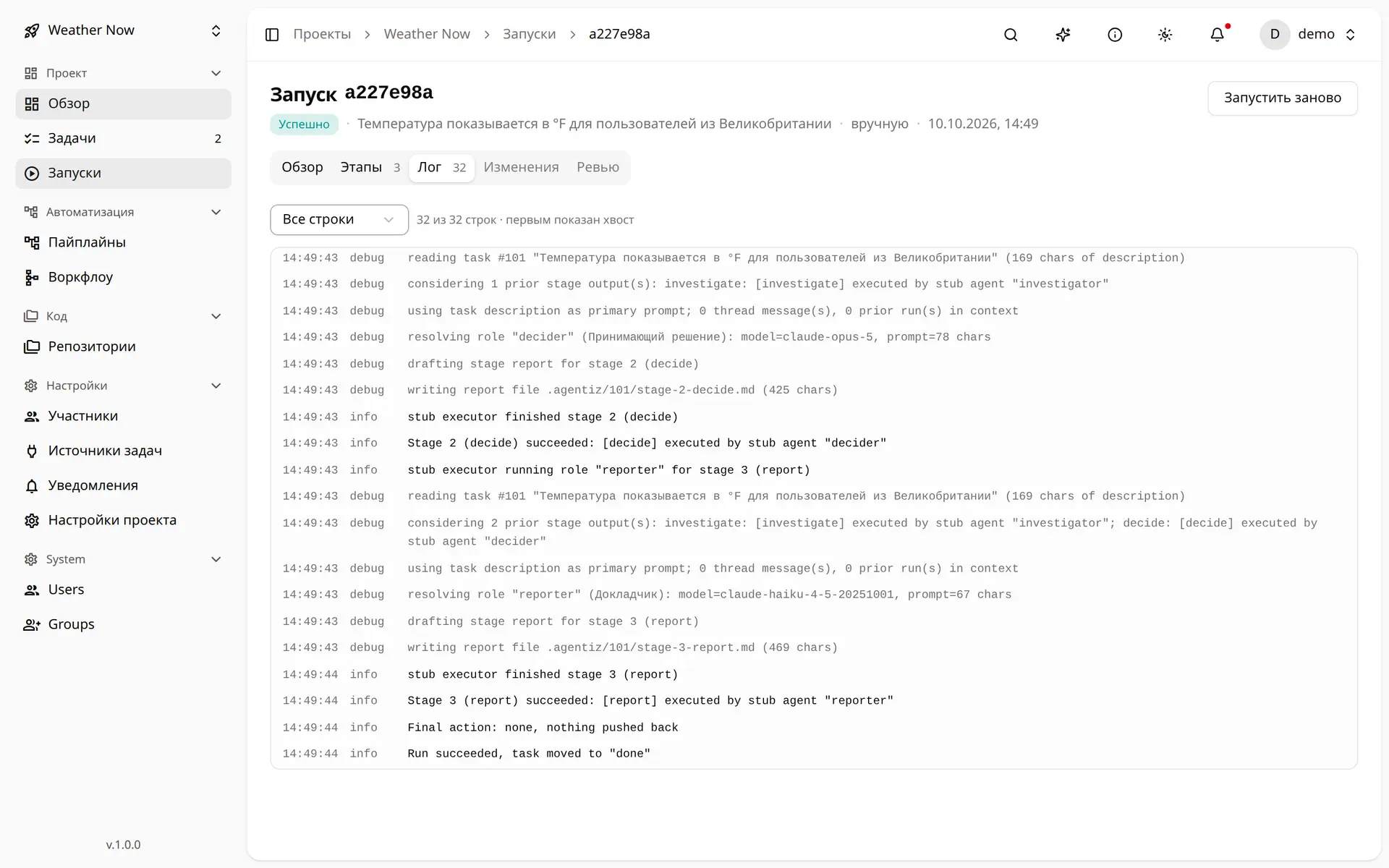
The panel’s interface is in Russian for now. Click a picture to open it in full size and colour.

Documentation
Getting started
Run the server, create the first administrator, connect one worker and watch a task go through a pipeline.
Concepts
A handful of objects, each with one job. Knowing which one owns a decision is most of knowing Agentiz.
Pipelines
A pipeline spec is a JSON document that says which agents work on a task, in what order, on what code, and what happens to the result.
Workers
A worker is a Python process on a machine you control. It claims jobs from the server, prepares the code, runs the agents and reports back — nothing else.
Workflows
A workflow is a graph that decides when a pipeline runs and what happens around it. Pipelines say how an agent works on a task; workflows say when.
Tool API
Everything you can read or do in the panel is also a tool on the /mcp endpoint — for scripts, CI jobs and other agents.